With Listy Suite, you can capture the photos, video and floor-plan scan for your rural listing yourself. Use our iPhone app while you are at the property, and our team takes care of the enhancement and editing. You do not need to book a photographer to create professional listing assets.
That is why we built Listy Suite: to give agents control over their property marketing. When the nearest photographer is hours away or the next booking is weeks away, you can capture when the property is ready and receive your finished assets within one business day.
We guide you through the process with step-by-step onboarding. From the farmhouse and outdoor living areas to sheds, carports and a granny flat, you can build a complete picture of the property. You can also upload your drone photos and footage through the portal.
Watch the rural video
See how to capture your next rural listing
Use your iPhone to capture the property, then let Listy Suite handle the enhancement and editing.
Photos in under 10 minutes. Floor plans and cinematic videos within one business day.
Watch on YouTube →Capture your rural property marketing in one visit
Photos show buyers the property, video helps them experience it, and a floor plan explains how the spaces connect. With Listy Suite, you can capture all three during the same visit using the app on your iPhone.
Your role is to capture the property. Our role is to turn that capture into finished marketing assets, so you can offer professional presentation without organising a separate photographer visit.
| Asset | What you capture | What Listy Suite delivers |
|---|---|---|
| Property photos | Interior and exterior photos through the app. | Professionally enhanced photos, usually back in under 10 minutes. |
| Cinematic video | Property video clips on your iPhone, plus drone footage uploaded through the portal. | A professionally edited property video within one business day. |
| Floor plan | A scan of the house and the additional structures you want included. | A professionally drafted floor plan within one business day. |
The workflow works around your visit and your vendor. For an overview of typical photography costs, see our real estate photography cost guide.
Plan your visit with a simple rural property shot list
A short shot list helps you move through the property in a clear order. Start with the home, then work through the outdoor areas and outbuildings. For a rural listing, include the features that help buyers understand both the lifestyle and the practical use of the property.
- The home: living areas, kitchen, bedrooms, bathrooms and exterior views.
- Outdoor living: verandahs, entertaining areas, gardens and a pool where present.
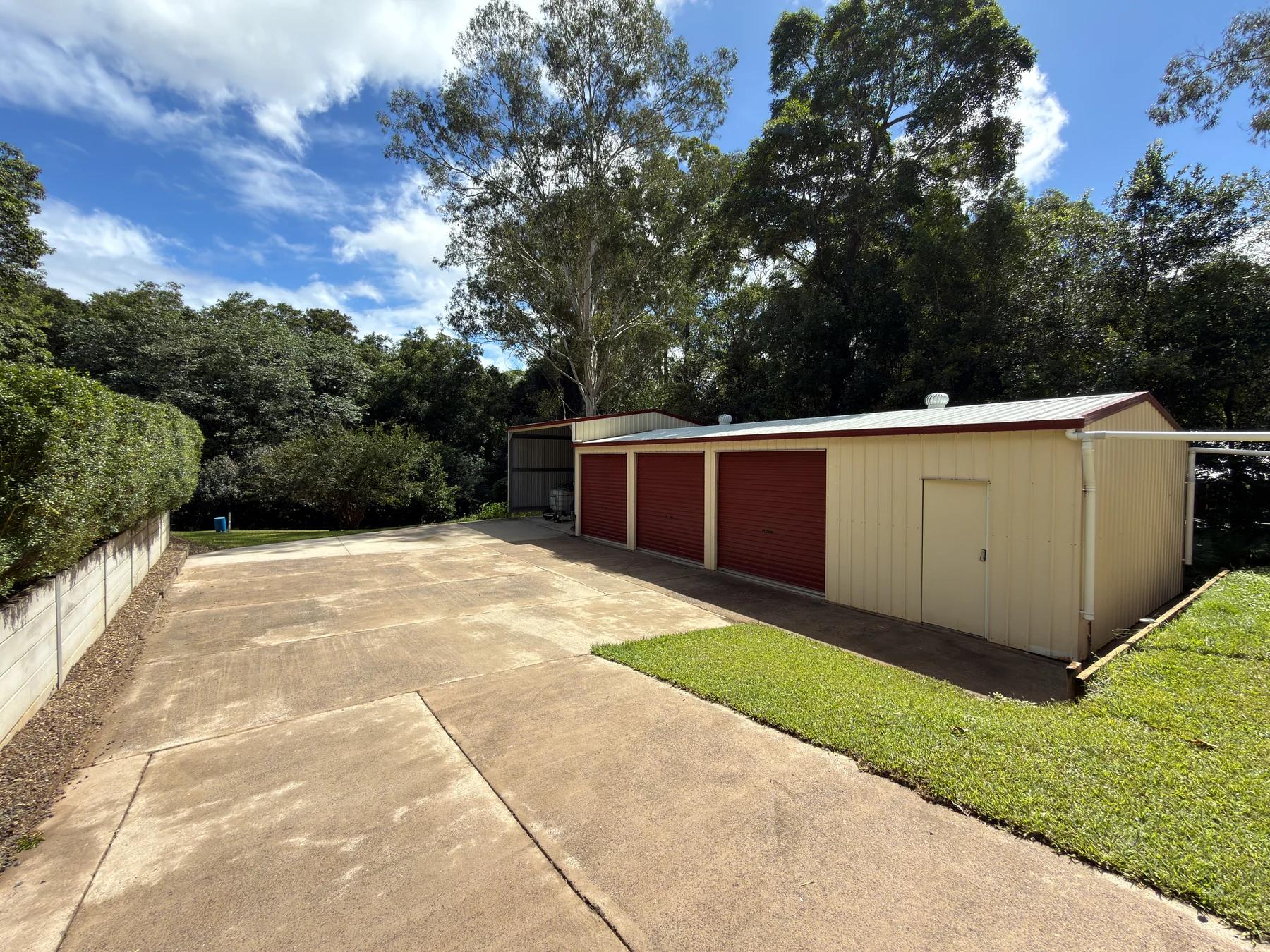
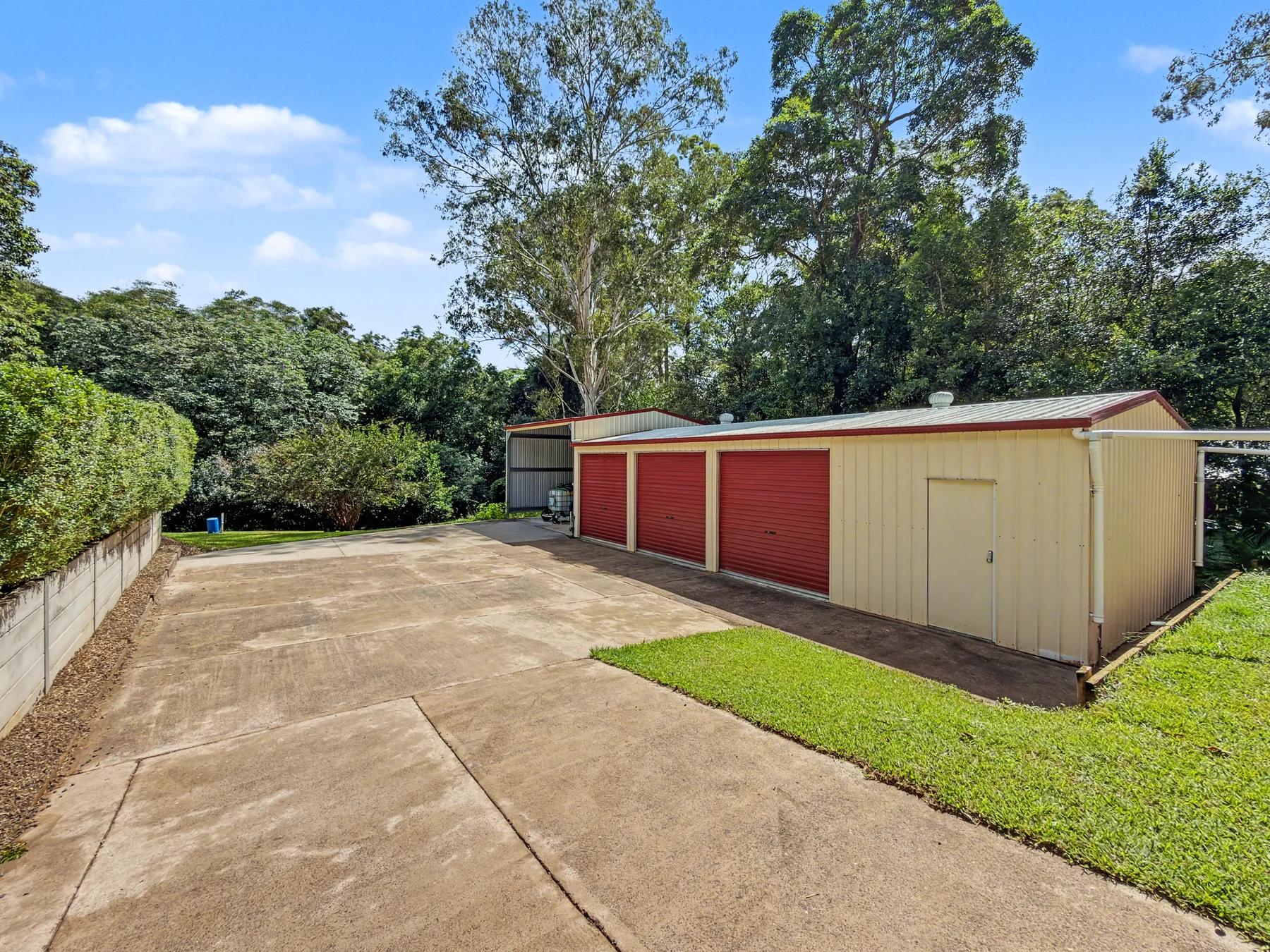
- Additional buildings: granny flats, sheds, carports, garages and workshops.
- Rural features: access, yards, paddocks, dams and other features included in the sale.
- Connections: how the house, outdoor spaces and outbuildings relate to each other.
Arrange access with the vendor and have rooms and outdoor areas ready before you start. Charge your iPhone, clean the lenses and bring your tripod and gimbal. Our onboarding takes you through the setup and capture process, so you know what to do when you arrive.
Take rural property photos through the Listy Suite app
Capture your property photos directly inside the app. A tripod keeps your iPhone steady while bracketed capture records different exposures of the same scene. Listy then enhances the images, bringing together detail inside the room and through the windows.
Work through each space with the phone level. Choose angles that show the layout clearly, include the features buyers will want to see, and give the exterior and outdoor areas the same attention as the interior.
For rural property photography, context matters. Show the entrance, the relationship between buildings and the setting around the home. Use clear framing and captions so buyers can tell which land and features are included in the listing.
You do not need to know how to edit the photos. Capture them through the app and we handle the enhancement. Our guide to taking real estate photos on your phone walks through more of the practical capture tips.
Create a floor plan for the house and outbuildings
A rural property often has more to show than the main house. A granny flat may be an important part of the listing, while sheds, workshops and carports help buyers understand how they could use the property.
You can include granny flats, sheds and carports along with the house in your Listy Suite floor-plan capture. Follow the in-app instructions for one continuous scan, planning the route through the spaces you want included.
You capture the scan; our team produces the finished floor plan. There is no need to draw the plan yourself. We cover the scanning process during onboarding, and the finished plan is returned within one business day.
For a closer look at the process, read how to create a floor plan with your phone.
Create a rural property video with your phone and drone footage
Video gives buyers a feel for the property beyond individual photos. Film the rooms, outdoor spaces and features you want to highlight through the Listy Suite app on your iPhone. Move steadily, give each scene time to be seen and use a gimbal for smooth footage.
Drone footage is particularly useful for showing how the home sits within its rural setting. We encourage you to include it. The portal lets you upload drone footage and drone photos directly from your computer, making it easy to bring your phone and drone media into the same project.
Our editing team can combine your drone footage with the clips captured on your phone to create the finished cinematic video. You do not need video-editing skills or editing software. Capture the footage, upload it, and we take care of the edit.
Receive your listing assets within one business day
The biggest benefit for rural agents is control over timing. You can organise the capture around the property and the vendor, then receive your photos, cinematic video and floor plan within one business day, ready to go live. Enhanced photos are usually returned even sooner, in under 10 minutes.
Before heading home, run through your shot list and preview your photos and clips. Confirm the floor-plan scan includes the spaces you wanted, then follow the submission steps in the app or portal. This quick review keeps the project moving smoothly.
When the finished assets arrive, review the property details and download the files for your listing channels. You stay in control of the launch, with professional marketing created from your own capture.
Your next rural listing
Ready to capture your next rural listing?
Book a Listy Suite demo. We will show you how to capture your photos, video and floor plan, and take you through the onboarding that gets you ready for your first property.
Practical answers
Rural property marketing FAQs
How quickly will I get all my listing assets back?
Your photos, cinematic video and floor plan are returned within one business day, ready for you to publish. Enhanced photos are usually returned even sooner, in under 10 minutes. You can capture when the property is ready without waiting for a photographer's booking slot.
Can I upload drone footage and drone photos?
Absolutely. We encourage it. Upload your drone footage and drone photos directly from your computer into the Listy Suite portal. Our team can edit the drone footage into your property video alongside the clips captured on your phone.
Do I need to be technical or have photography experience?
Not at all. We take you through step-by-step onboarding and train you to capture professional listing assets using the app. You will learn how to set up your phone and equipment, capture photos and video, and scan a floor plan. You also have training guides to refer back to. We handle the enhancement and editing for you.
Can I include a granny flat, shed or carport in the floor plan?
Absolutely. You can capture these along with the house. Follow the in-app instructions for one continuous scan through the areas you want included. We take you through this process during onboarding so you can plan the capture around the property.
Will the floor plan include the property boundaries and acreage?
The floor plan shows the buildings and spaces you scan. Property boundaries and acreage are separate from the building floor plan. If you include these details in your campaign, use the appropriate verified property records.
Which phone and equipment do I need?
The Listy Suite capture workflow uses an iPhone. A tripod supports steady photo capture, and a gimbal is recommended for cinematic video. LiDAR-equipped iPhone Pro models are recommended for floor plans. During onboarding, we help you confirm your device and set up your equipment.