Ever wondered why a professional listing photo looks expensive even when the room is ordinary? It's a handful of specific editing processes applied to every image. Here's what each one does, in plain language.
Window pull
Point a camera at a room with a bright window and you get a choice: expose for the room and the window blows out, or expose for the window and the room goes dark.
A window pull fixes this. The editor takes a darker exposure where the view through the glass is visible and blends it into the main image. The room stays bright, and the window shows the actual view.
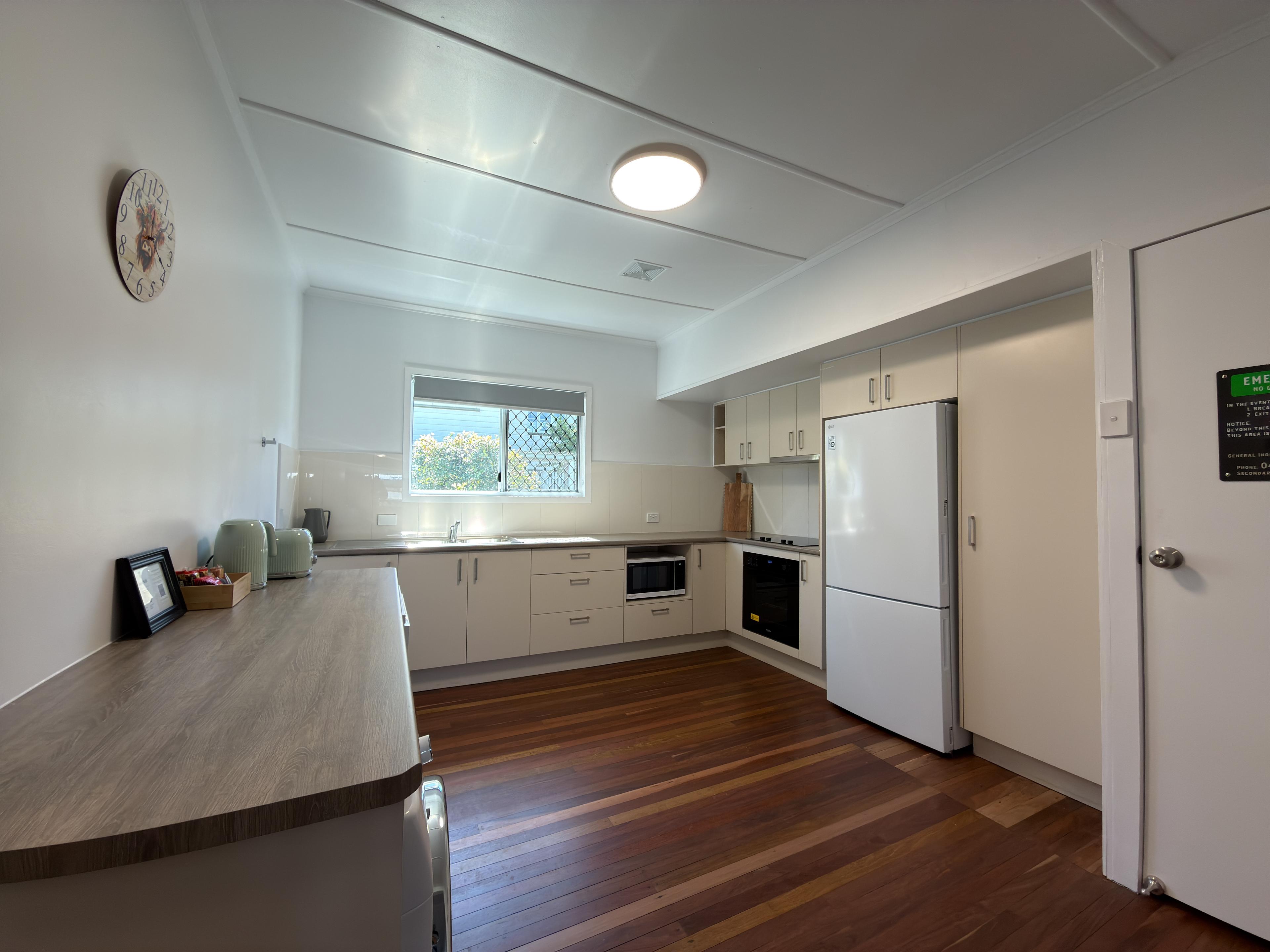
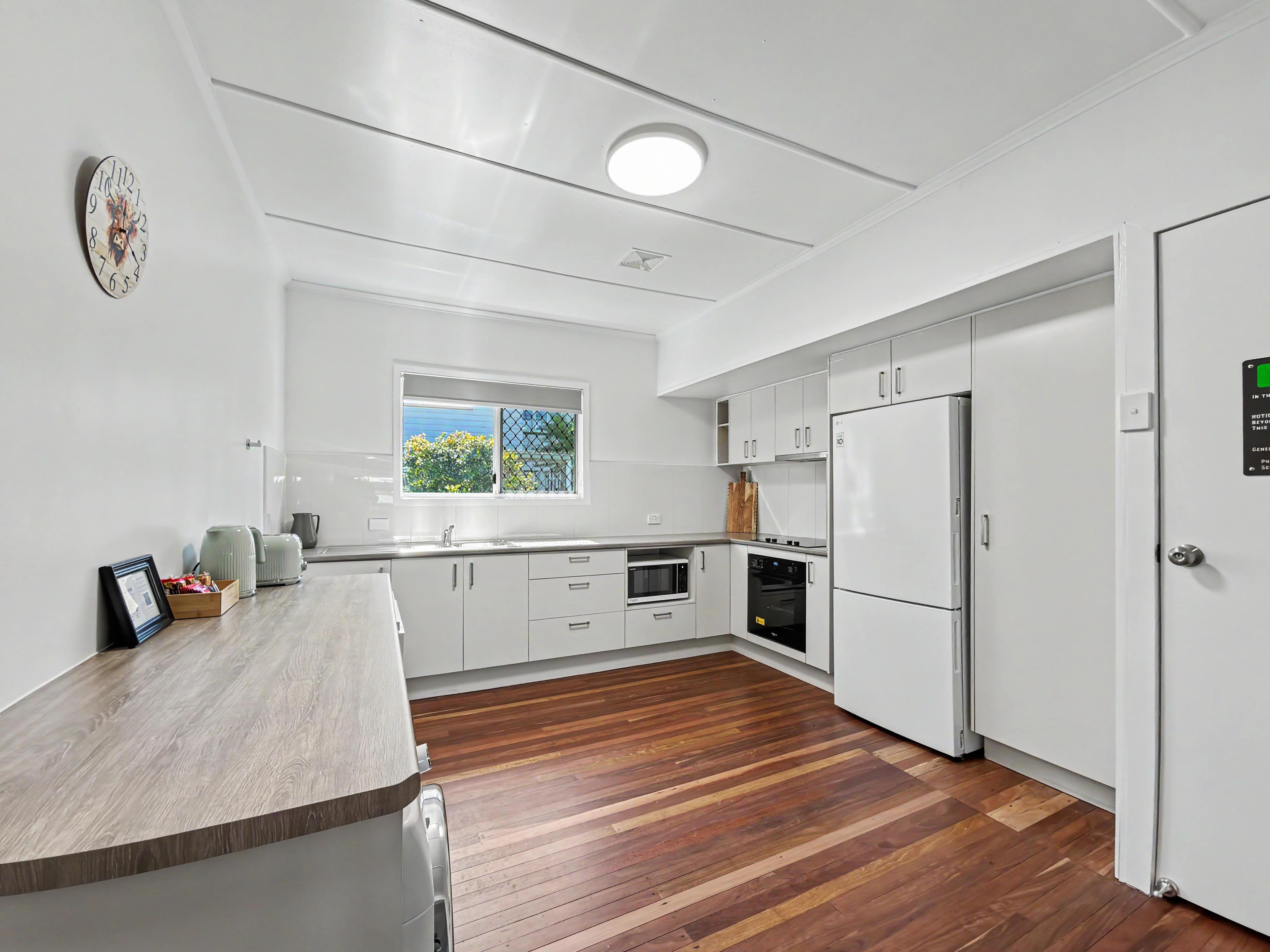
Exposure bracketing and HDR merging
Rooms have a bigger range of light than a single photo can capture. Professionals shoot brackets at multiple exposures, then blend them into one image that is properly exposed everywhere.
Colour correction and white balance
Mixed lighting creates colour casts. Colour correction neutralises them so whites read white, timber reads timber and every image in a listing looks like it belongs to the same property.
Perspective correction
Verticals should be vertical. Perspective correction straightens the geometry so door frames, cabinetry and walls sit true.
Sky replacement
A grey, flat sky can drag an exterior listing image down. Sky replacement swaps in a clean blue sky while the house, trees, shadows and everything structural stay exactly as captured.
Reflection and glare cleanup
Photographers in mirrors, flash bounce on oven doors and glare across glass are small distractions that professional editing removes.
Why this matters more now
These processes used to be bundled into a $300–$600 photography invoice. They no longer require the photographer: Listy Suite's real estate photo enhancement applies the full professional pipeline to phone captures and returns finished images in minutes.
Every edit in this article. Applied to your photos automatically.
Capture on your iPhone through the Listy Suite app, get the full professional editing pipeline, back in under 10 minutes.
See how Photos works →